Find your kind of art
Search original paintings and handmade pieces. Explore the photos, details and story behind each creation.


SOULART · ANDROID APP
Discover paintings and handmade pieces, commission an artwork inspired by your idea, explore auctions or offer your own price. Bring art from Georgia a little closer with the Soulart app.
For Android · In Georgian and English
 SoulartA little closer to the art you love
YOUR SPACE FOR ART
Search original paintings and handmade pieces. Explore the photos, details and story behind each creation.
Get to know artists in Georgia through their profiles and collections. There is a person behind every piece.
Describe your ideal piece, add a reference photo and receive proposals from artists for your custom order.
Discover auction artworks, check the dates and terms, and join the bidding for a piece you love.
Send a price offer from an artwork’s page and wait for the seller’s response. Acceptance is up to the seller.
Manage your orders and receive notifications about orders and activity according to your preferences.
TAKE A LOOK INSIDE
From the home page and collections to custom orders, auctions and price offers — see what you can do with Soulart.
Swipe to explore more screens →
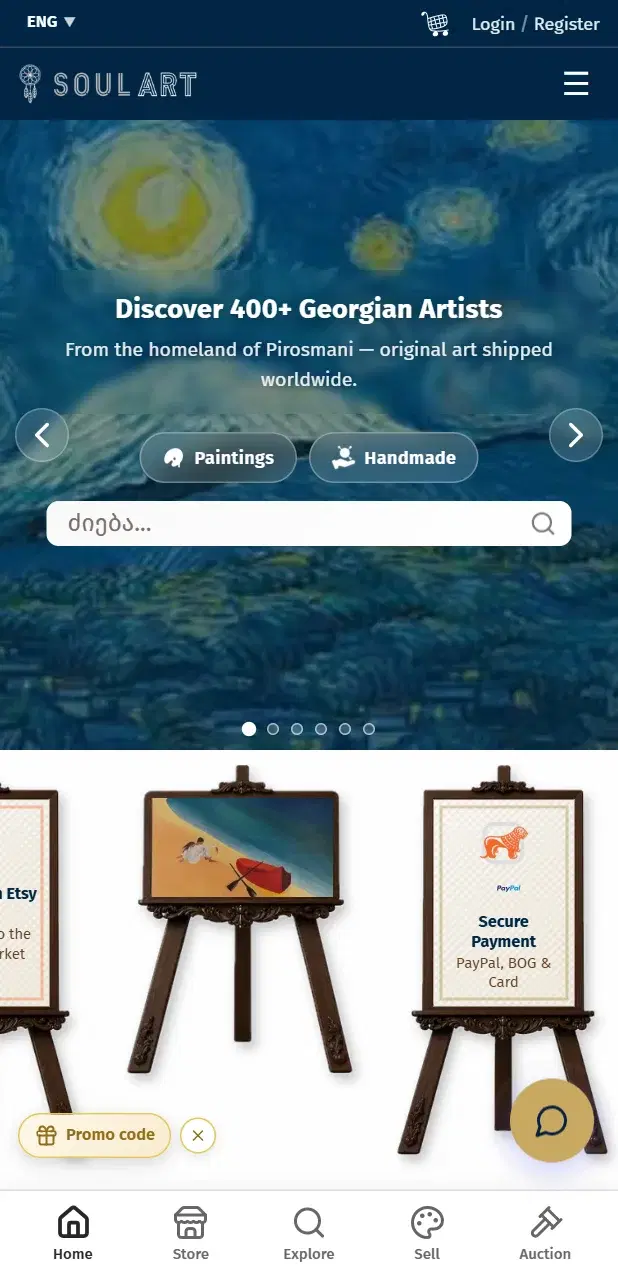
Start with new discoveries and selected artworks.
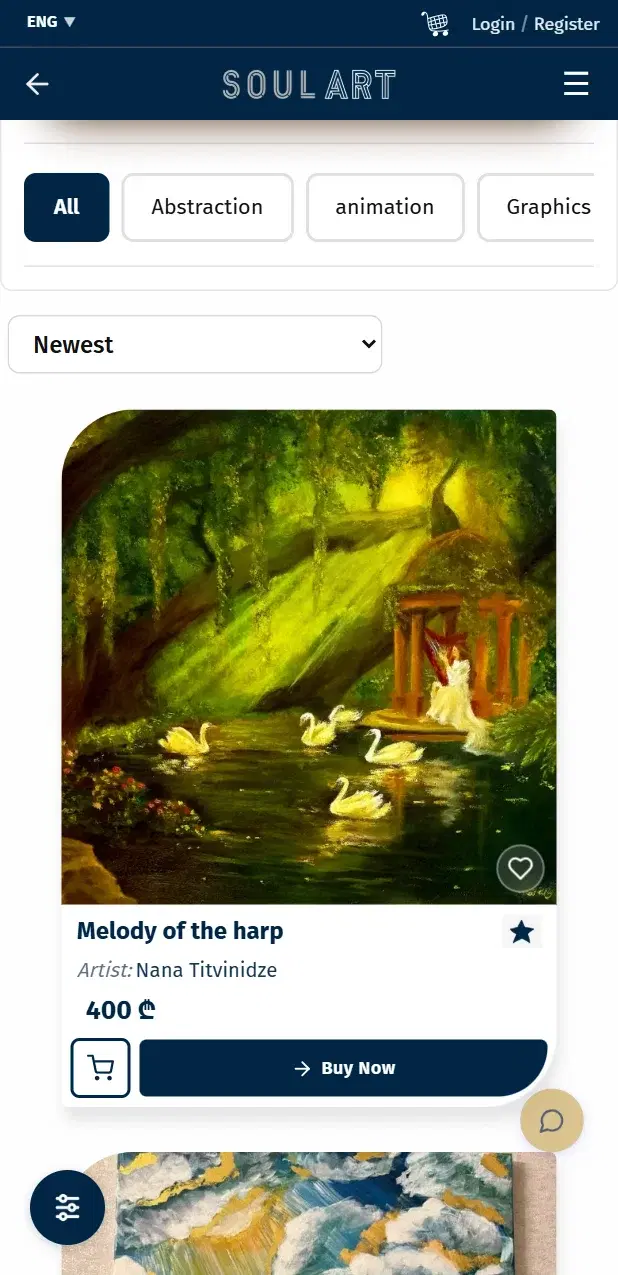
Find the next story for your walls.
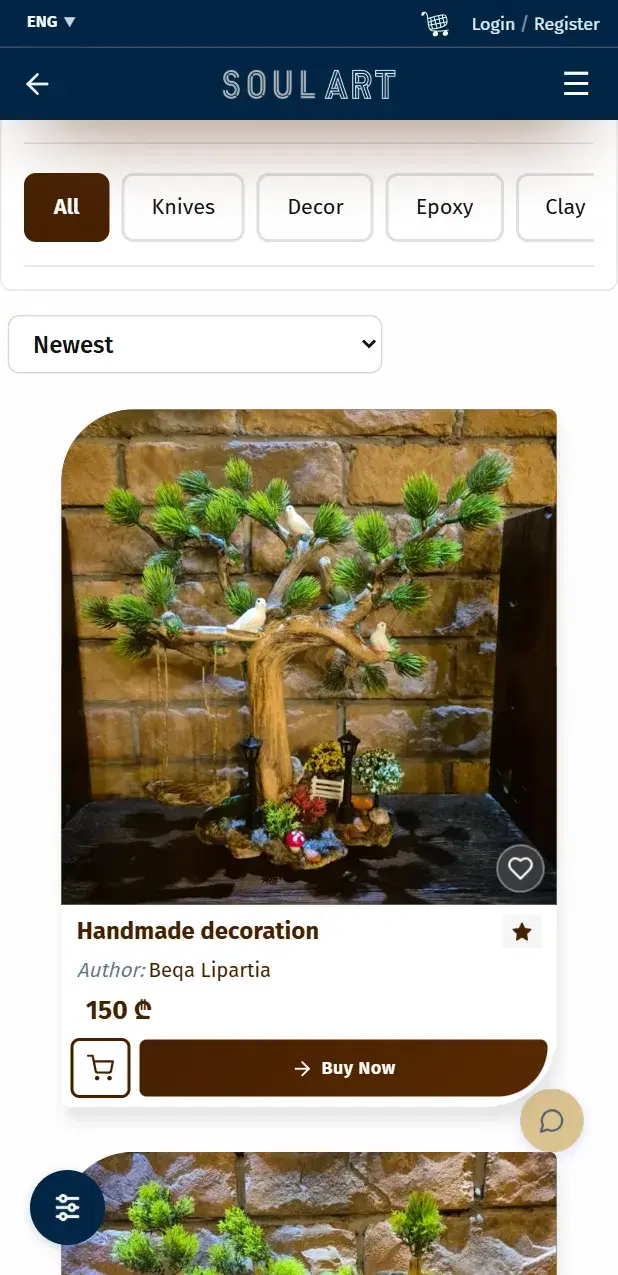
Discover pieces with a personality of their own.
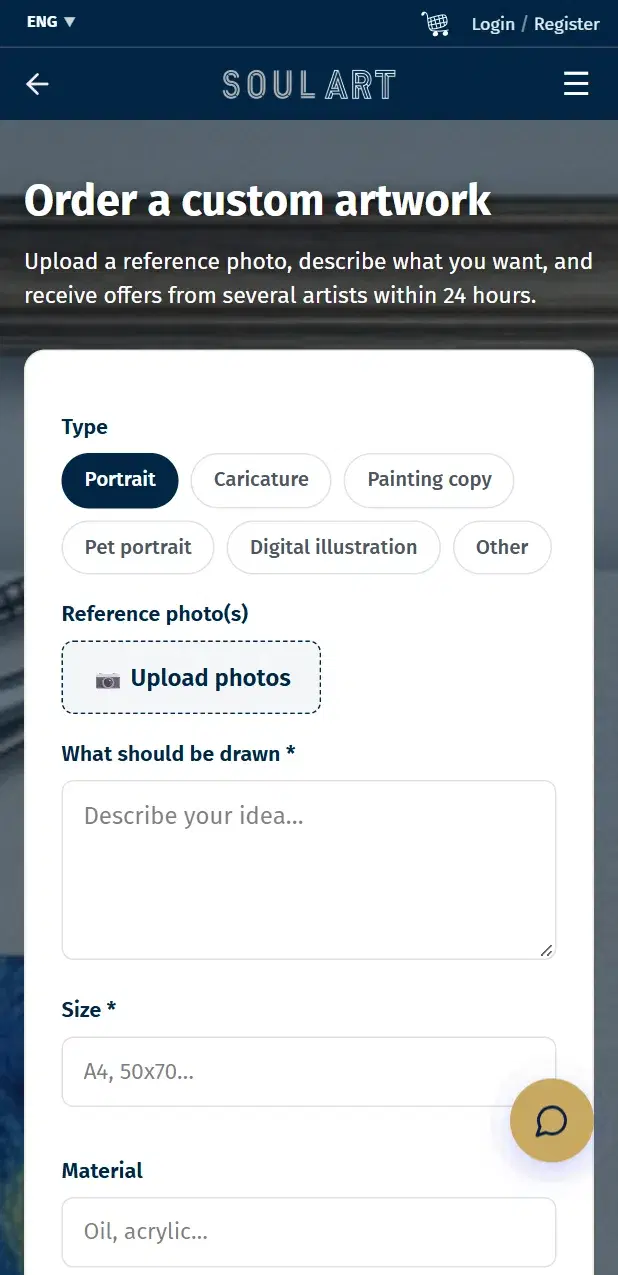
Turn your idea into an artist’s next creation.
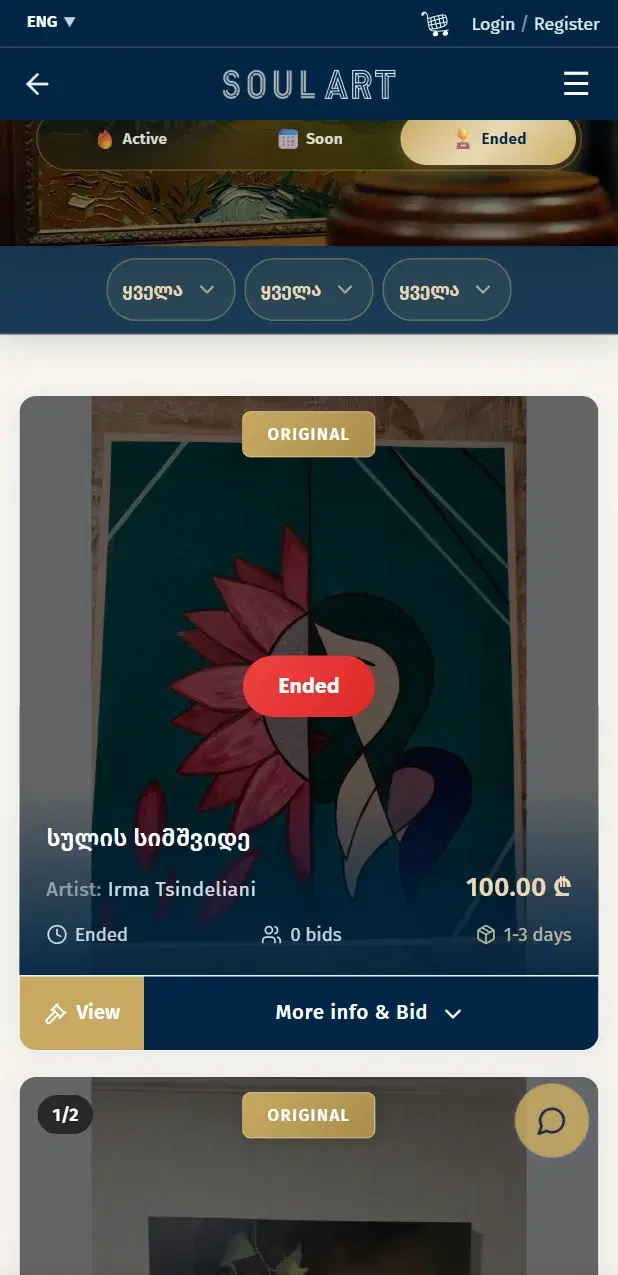
Explore the artworks, prices and auction terms.
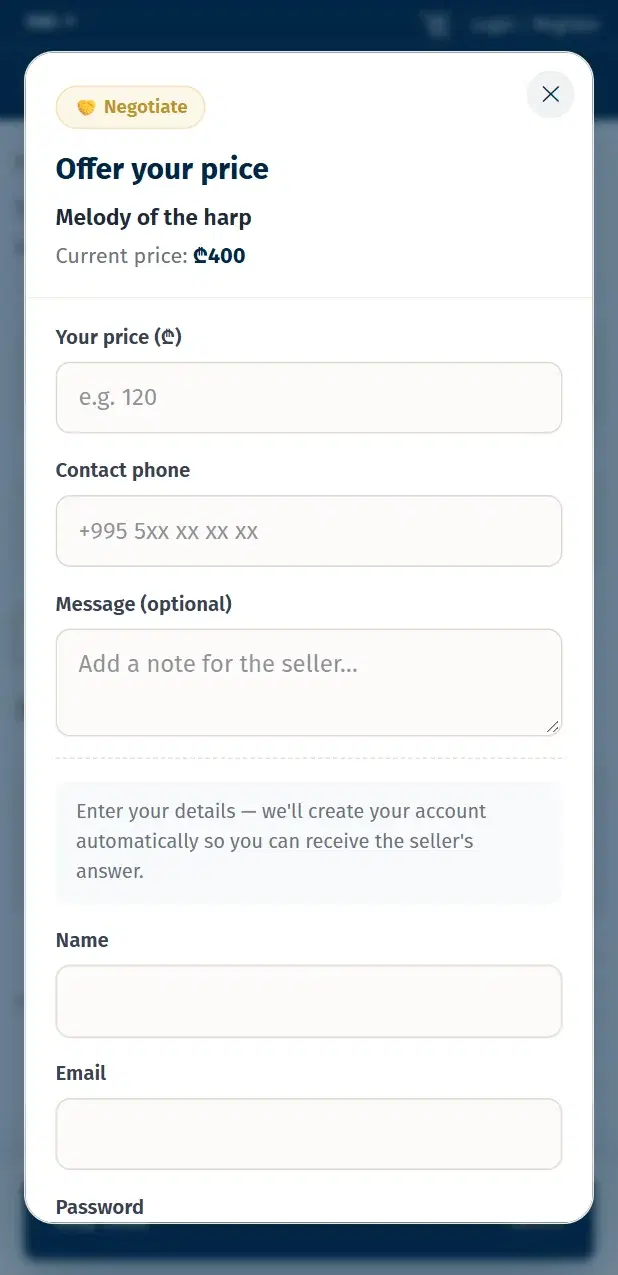
Make an offer on a piece you love.
Screens from Soulart’s mobile website. The app’s appearance may change with updates.
The download button takes you to Soulart’s official listing.
Tap the install button in Google Play, then open Soulart.
Browse the artworks or sign in with your existing Soulart account.
On your Android phone, tap the Google Play button to open the Soulart listing and install the app. Availability depends on your Google Play country and device compatibility.
Yes. The app and website use the same Soulart account, so you do not need to create another one.
Open the custom order page, describe your idea and add your preferences. You can include a reference photo and review proposals from artists.
No. Use the offer button on an artwork’s page and wait for the seller’s response. Acceptance is not guaranteed. If your offer is accepted, you can continue to checkout at the agreed price.
Open the Soulart website in Safari. You can also choose Add to Home Screen from the Share menu to keep it on your home screen.
Yes. Artists and makers can register as sellers, list their work, and manage their shop and orders on Soulart.
Take Soulart with you and make independent creativity part of your everyday life.
Need a hand? Contact us